


 5 minutes to read
 Ecosystem
How to Buy Bitcoin with PayPal (October 2026)
PayPal lets eligible users in supported regions buy Bitcoin right inside the app or website. This guide walks through the exact process for US users as of October 2026, including step-by-step instructions, current fees, transfer options, and key safety notes. The service also supports Ethereum, Litecoin, Bitcoin Cash, Solana, Chainlink, and PayPal USD (PYUSD).
Quick Answer
Here’s the straightforward path: log into your verified personal PayPal account, head to the Finances or Crypto section, pick Bitcoin and enter an amount starting at $1, choose your funding source, review the fees, confirm the buy, and optionally move the coins to an external wallet. The sections below fill in the details and alternatives.
What Is PayPal Crypto Service
PayPal’s crypto feature lets you buy, hold, sell, and send a handful of digital assets without leaving the PayPal environment. Bitcoin you buy stays in custodial storage managed by PayPal Digital, Inc., so the platform holds the private keys. The emphasis is on convenience and seamless payments rather than self-custody. Support has grown steadily, with more coins and external wallet options added through late 2026.
You get the benefit of PayPal’s security tools, including encryption and monitoring used across its merchant network. Still, coins inside PayPal lack the portability and control of a self-custodial wallet. Many newcomers start here because the $1 minimum keeps things low-risk and no extra apps are required.
Prerequisites and Eligibility
You need a personal PayPal account—business accounts don’t support crypto. Identity verification is required, usually with your name, address, date of birth, and SSN or ITIN for US users. A linked bank account, debit card, or PayPal balance covers funding. Credit cards and PayPal Credit won’t work for crypto buys.
The service works best in the United States and United Kingdom. Weekly purchase limits sit around $100,000, with external transfer limits often capped at $25,000 per week. Check your specific limits in the app, as they depend on verification level and location. Users outside supported regions will need other platforms.
Update your PayPal app or browser before starting. Read the risk disclosures that appear on first purchase. No extra software or hardware wallet is needed at the outset, though many people later move coins off the platform.
Step 1: Log In and Navigate to Crypto
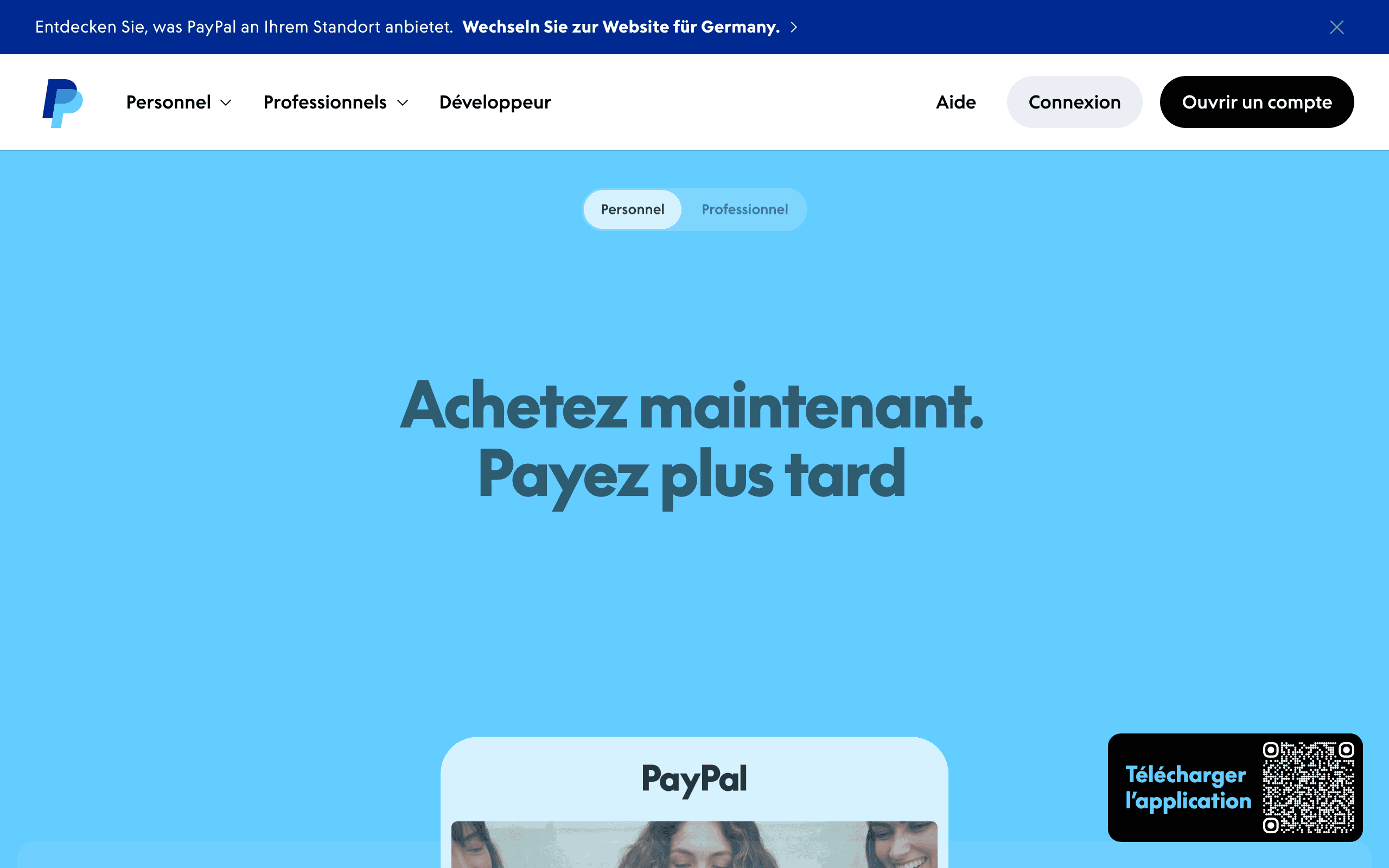
Open the PayPal app or website and sign in. Tap or click the Finances tab, then find the Crypto or Buy area. New users see a short educational prompt and terms to accept. The flow stays consistent in recent app versions as of October 2026.
Available cryptocurrencies show current prices. Bitcoin sits near the top once you enter the Crypto section. The whole step usually takes under a minute for returning users and keeps you in the right purchase flow.
Step 2: Select Bitcoin and Enter Amount
Pick Bitcoin from the list. Enter a USD amount or the exact quantity of BTC you want. The screen shows an estimated receive amount that already includes the spread. You can choose one-time or recurring buys (daily, weekly, biweekly, or monthly) for steady dollar-cost averaging.
Watch the live quote—prices move with the market. The $1 minimum makes small test buys easy. This step gives you precise control without jumping in with large amounts.
Step 3: Choose Payment Method and Review Fees
Select your funding source: PayPal balance for lowest friction, a linked bank via ACH, or a debit card. Fees scale with size—2.20% on $1–$74.99, 2.00% on $75–$200, 1.80% on $200.01–$1,000, and 1.50% above that—plus a roughly 0.5–1% spread. A $1,500 purchase, for example, might add about $22.50 in fees plus the spread.
The final total shows before you confirm. The spread isn’t listed separately; it’s already baked into the displayed rate. Recurring buys follow the same schedule. This clarity helps you compare real costs with other services.
Step 4: Confirm Purchase and Complete Verification if Needed
Double-check every detail, including the exact Bitcoin amount, taxes, and disclosures. Tap Buy Now. First-time buyers see a one-time identity verification prompt if it hasn’t been done yet. The transaction usually finishes in minutes.
Funds leave your chosen source and Bitcoin lands in your PayPal crypto balance. Some funding methods carry a short hold before you can withdraw. Confirmation emails arrive for your records and tax needs.
Step 5: Decide on Holding or Transferring Out
You can keep Bitcoin in PayPal with no storage fees. For self-custody, send it to an external wallet. Supported networks include Bitcoin, and fees include PayPal’s buy fee plus about 1% of the amount sent plus network fees when moving to wallets like MetaMask or Ledger.
Weekly transfer limits are often tighter than purchase limits. Always verify the recipient address and begin with a small test send. External wallets give you full control of the private keys—important for long-term holding or DeFi activity.
Fees, Limits, and Cost Analysis
PayPal’s tiered fees reward larger buys with lower percentages. Combined with the spread, total costs typically land between 2% and 3%. That’s higher than many exchange order books or direct on-ramps for big volumes. Recurring buys help smooth the average over time.
The $100,000 weekly purchase limit supports both casual and more active users. If you hit a limit, wait for the rolling window to reset. Exportable CSV files make tax tracking straightforward.
Safety, Risks, and Best Practices
PayPal protects accounts with encryption and unauthorized-activity safeguards, yet crypto buys carry no buyer protection. Never share login details or follow suspicious links. Turn on two-factor authentication. Remember that custodial holdings depend on PayPal’s ongoing security and solvency.
Once you have the Bitcoin, non-custodial platforms offer more flexibility for cross-chain moves or privacy features. Baltex, a non-custodial crypto swap aggregator, supports 200+ networks and 10,000+ assets with no registration required for most swaps. Always double-check addresses and enable confirmations. Tax rules differ by location; PayPal supplies records but not advice—consult a professional.
Common Mistakes and Troubleshooting
A wrong wallet address during transfer is permanent—copy and paste, then verify the first and last characters. Ineligible funding methods like credit cards simply fail. New users sometimes skip the one-time verification step and get delayed.
If a purchase fails from insufficient funds or a bank decline, PayPal may pull from available balances. Reach support through the app for updates. Recurring buys pause or cancel easily in settings. Start small when testing external transfers.
Alternatives and When to Choose Other Methods
Direct PayPal purchase wins for simplicity and existing-account integration. For lower fees or wider asset selection, fund an exchange that accepts PayPal or use other on-ramps. Once the coins are acquired and you need cross-chain movement or privacy without extra custody, self-custodial swap platforms become the clearer choice.
Baltex fits naturally here for users wanting instant, non-custodial swaps across chains after the initial PayPal purchase. It pulls liquidity from multiple sources and offers private routing options via Monero flows where useful, all while keeping user funds off-platform. Decide based on whether convenience or control matters most to you.
Practical Use Cases and Limitations
This route suits beginners testing small Bitcoin positions or anyone already inside the PayPal payments ecosystem. Recurring automated buys also work well. Limitations include fewer coins than full exchanges, the custodial model, and higher effective fees compared with pro trading platforms.
When a different option is better: high-volume traders usually prefer exchange order books; users needing maximum privacy or unsupported assets should look at dedicated swap aggregators right away; those outside the US/UK need region-specific services. Match the tool to your goals around cost, speed, and custody preferences.
Bitcoin remains the most widely recognized cryptocurrency. Buying through PayPal gives an easy starting point while you figure out longer-term storage plans.
We cover this in more detail in Top Platforms to Buy XRP in 2025 – Ranked for Speed & Safety.
Can I buy Bitcoin with PayPal in 2026?
What are the fees for buying Bitcoin on PayPal?
Can I send Bitcoin bought on PayPal to an external wallet?
What is the minimum amount to buy Bitcoin with PayPal?
Is it safe to buy Bitcoin on PayPal?
Do I need to complete KYC to buy Bitcoin on PayPal?
Can I use PayPal to buy Bitcoin on other platforms?
See others posts
G. Khan

How to Buy Bitcoin and USDT in India (INR) (October 2026)
Ecosystem
G. Khan
The 10 Best Places to Buy Crypto Online in 2026
Ecosystem
G. Khan
The Cheapest Way to Buy Crypto: Fees by Payment Method Compared (October 2026)
Ecosystem
G. Khan
How to Buy Bitcoin and Ethereum in Canada (2026)
Ecosystem
G. Khan
How to Buy Bitcoin in the UK and Australia (October 2026)
Ecosystem
G. Khan
How to Buy Solana with a Credit or Debit Card (October 2026)
Ecosystem