 5 minutes to read
 Ecosystem
How to Buy Crypto with Apple Pay (June 2026)
Apple Pay has become one of the most convenient ways to purchase cryptocurrency in 2026. It lets you use your existing payment setup for quick on-ramps into digital assets. The method pairs Apple's secure payment system with the expanding range of crypto platforms. Beginners can pick up their first Bitcoin this way, while experienced users appreciate the speed. Knowing the steps helps sidestep the usual hiccups.
Understanding Apple Pay in Crypto Purchases
Apple Pay is a mobile payment and digital wallet service that keeps your credit or debit card details safe. When it works with crypto platforms, you can buy instantly without typing card numbers every time. In 2026 the integration has grown, so iOS users can purchase directly from apps or sites. You pick Apple Pay at checkout, confirm with Face ID or Touch ID, and the transaction finishes in seconds.
The technology relies on tokenization. It swaps your real card details for a unique device account number, which lowers fraud risk compared with regular card payments. Crypto platforms take the fiat payment through Apple Pay and then send the matching cryptocurrency to your account or wallet. Adoption has risen thanks to clearer rules in several regions and better on-ramp tools.
Many people like the speed and the fact that it feels familiar. Availability is strongest in the US and parts of Europe, though some areas still have local restrictions. Check compatibility with your location first. Fees run higher than ACH transfers, but the convenience often makes up for it.
Prerequisites for Buying Crypto with Apple Pay
Make sure you have the basics ready. You need an iOS device with Apple Pay set up—add a supported credit or debit card to your Apple Wallet. A compatible crypto platform account or wallet app is also useful, though some services let you check out as a guest for smaller amounts.
Keep identification documents handy in case KYC is required. Know your budget, since daily limits from your bank or the platform often apply. Download any apps from official stores to avoid phishing. Learn the basics: a wallet address receives your assets, and you must protect private keys or seed phrases. No prior crypto experience is necessary, but reading the platform's terms helps. For cross-chain moves after the purchase, look at aggregators that handle instant swaps.
Step-by-Step Guide to Buying Crypto with Apple Pay
Follow these steps for a smooth purchase. Each one stands on its own.
Step 1: Choose a supported platform. Pick a reputable service that lists Apple Pay as an option. Check current offerings because integrations change. Confirm the platform supports the cryptocurrency and network you want.
Step 2: Set up or log into your account. Create an account if needed and finish any verification. Some non-custodial services let you buy straight into a connected wallet without full registration.
Step 3: Go to the buy or on-ramp section. Find the "Buy Crypto" or "Deposit" button in the app or site. Select the cryptocurrency, such as Bitcoin or Ethereum.
Step 4: Enter the purchase amount. Type the fiat amount or crypto quantity. Review the estimated fees and final total before moving forward.
Step 5: Select Apple Pay as the payment method. Choose it from the options at checkout. Confirm with your device's biometric features.
Step 6: Confirm and complete the purchase. Double-check every detail, including the wallet address if shown, then finish. The crypto should land in your account or wallet soon after.
Step 7: Secure your assets. Move funds to a personal wallet right away if you bought on an exchange, and never share seed phrases. Track the transaction on a blockchain explorer.
The whole process usually takes under five minutes once everything is set up. Always verify addresses to avoid losing funds.
Safety Considerations and Common Pitfalls
Security matters when dealing with crypto. Turn on two-factor authentication everywhere and use strong, unique passwords. Watch out for phishing sites that copy real platforms—always use official apps or verified URLs.
Common errors include wrong wallet addresses, overlooked fees, or fake support messages. If a transaction fails, first check your Apple Pay balance or card limits. Reach platform support only through official channels.
Privacy-focused users should know that some platforms run AML screening. Non-custodial options like Baltex can be used for subsequent swaps across 200+ networks without storing funds, giving an extra layer after the initial purchase. Baltex aggregates liquidity for instant cross-chain exchanges with no registration needed for most swaps.
Risks include market swings and regulatory shifts. Never invest more than you can afford to lose, and check local tax rules on crypto transactions.
Comparing Platforms and Costs in 2026
Platforms differ in how they handle Apple Pay. Centralized services often give beginners the smoothest ride, while others target specific ecosystems. Card-based fees usually sit between 2% and 4% according to industry data on CoinMarketCap.
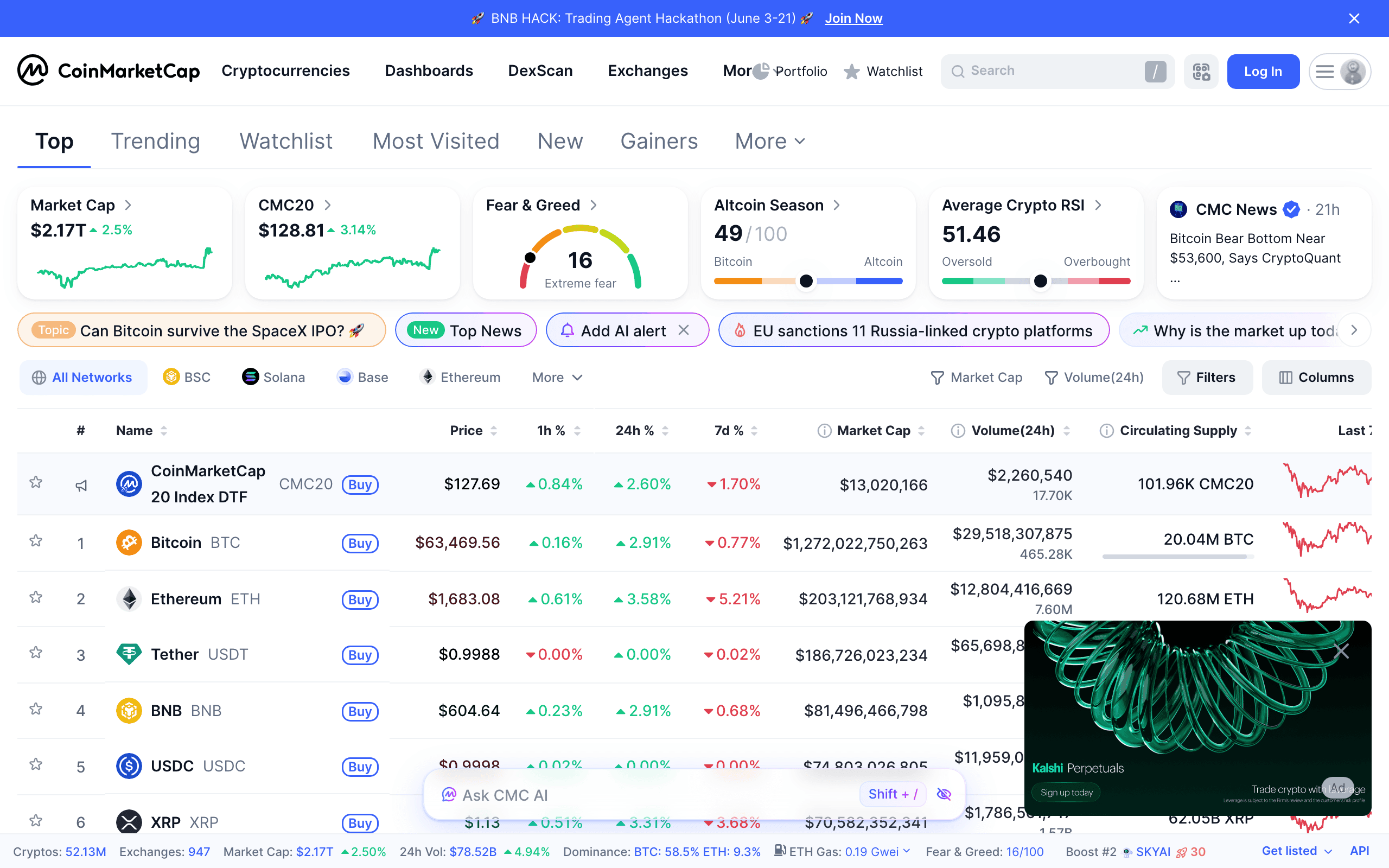
Look at supported assets, withdrawal speed, and support quality. Established names stress education and strong security. Non-custodial routes may add a step or two but give you more control.
Start with small test amounts. Check live rates on sites like CoinDesk. As the space matures in 2026, expect smoother integrations and possibly lower fees from competition.
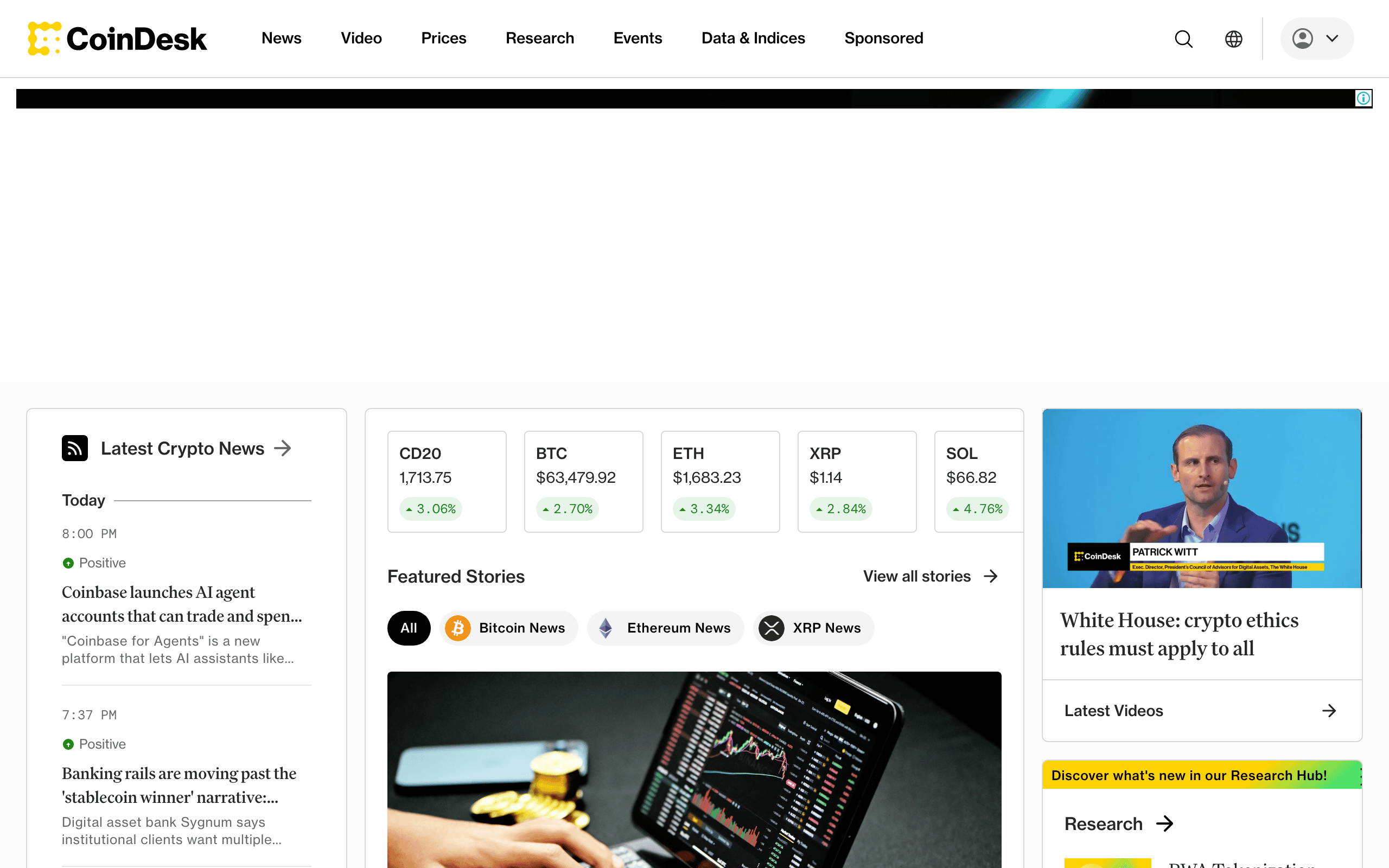
Users often buy stablecoins for quick transfers or major assets for longer holds. Stick with platforms that publish clear policies and have solid track records.
Advanced Tips for Frequent Buyers
Link your Apple Pay setup across services when possible. Watch for occasional promotions or fee discounts. Understand the tax rules in your area, since purchases can trigger reporting.
After buying, use aggregators for efficient cross-chain routing if needed. This keeps everything smooth from fiat entry to the final blockchain.
Stay current on platform updates, as interfaces and supported methods shift. Official documentation is the most reliable source.
Conclusion
Buying crypto with Apple Pay in 2026 gives beginners an easy way into digital assets. Follow the steps, prepare properly, and focus on security to finish transactions quickly while keeping risks low. Verify every detail and follow the rules that apply to you.
Related reading: XMR.to Alternatives: How to Pay Bitcoin Invoices with Monero.
You can read our full breakdown in Step 1: Choose a Platform That Supports Debit Card Purchases.
Related reading: XMR.to Alternatives: How to Pay Bitcoin Invoices with Monero.
Related reading: TL;DR: Quick Guide to Buying Crypto with Credit Card in 2025.